
School security is rarely simple. Campuses are busy, schedules change frequently, and people are constantly coming and going throughout the day. In K–12 schools, that means balancing student safety with an environment that still feels welcoming. In colleges and universities, it means protecting large, often open campuses without turning them into locked-down spaces.

What many schools have learned is that safety does not come from one device or one policy. It comes from how well people, processes, and technology work together. Cameras, access control, alerts, and monitoring all play a role, but only when they are part of a thoughtful plan that supports how a school functions.
This guide breaks down the core components of school security systems, explains how needs differ between K–12 and higher education, and offers practical insight into building a security approach that holds up over time.
Understanding the Different Security Needs of K–12 and Higher Education
Although they share the same goal of keeping people safe, K–12 schools and colleges face very different realities.
K–12: Controlled Environments With Constant Activity
K–12 schools are structured environments with younger students, defined schedules, and a clear responsibility to parents and guardians. Security efforts often focus on controlling entry points, knowing who is in the building, and making sure staff can respond quickly when something feels off. Solutions also need to be simple enough that teachers and administrators can use them without slowing down the school day.
Higher Education: Open Campuses With Many Moving Parts
Colleges and universities operate more like small cities. Students live on campus, visitors are common, and events take place well outside normal business hours. Security systems must cover residence halls, classrooms, labs, and public spaces while still respecting student independence and privacy. Coordination between campus security, IT teams, and facilities staff is critical.
These differences matter when schools begin making decisions about safety tools and policies.
What a Good School Security System Looks Like
School security works best when it is built as a layered system rather than a collection of disconnected tools. Each layer serves a specific role and strengthens the overall approach.
Core Layers of School Security
- Physical security: Doors, locks, cameras, and controlled entry points
- Digital security: Network protection for connected systems and devices
- Operational readiness: Policies, training, and response planning
Layered security helps schools prevent incidents where possible, spot issues quickly, and respond with clarity when something happens. When systems are integrated, staff have better visibility and more control without adding unnecessary complexity.
Access Control Systems for Schools
Access control is one of the most important components of school security. It determines who can enter buildings, which areas they can access, and when.
How Access Control Works in Education
Modern access control systems typically use key cards, badges, mobile credentials, or a combination of these. Permissions can be assigned based on role, time of day, or location. Visitor management systems allow schools to track guests while maintaining a professional check-in process.
Benefits for K–12 and Higher Education
- Limits unauthorized entry
- Provides visibility into building access
- Supports quick lockdowns when needed
- Reduces reliance on physical keys
In K–12 settings, access control often focuses on exterior doors, administrative offices, and staff-only areas. In higher education, it extends to residence halls, labs, athletic facilities, and shared spaces.
Video Surveillance and Monitoring
Video surveillance plays a key role in both prevention and response. When implemented thoughtfully, it enhances awareness without creating unnecessary oversight.
The Role of Video Systems in Schools
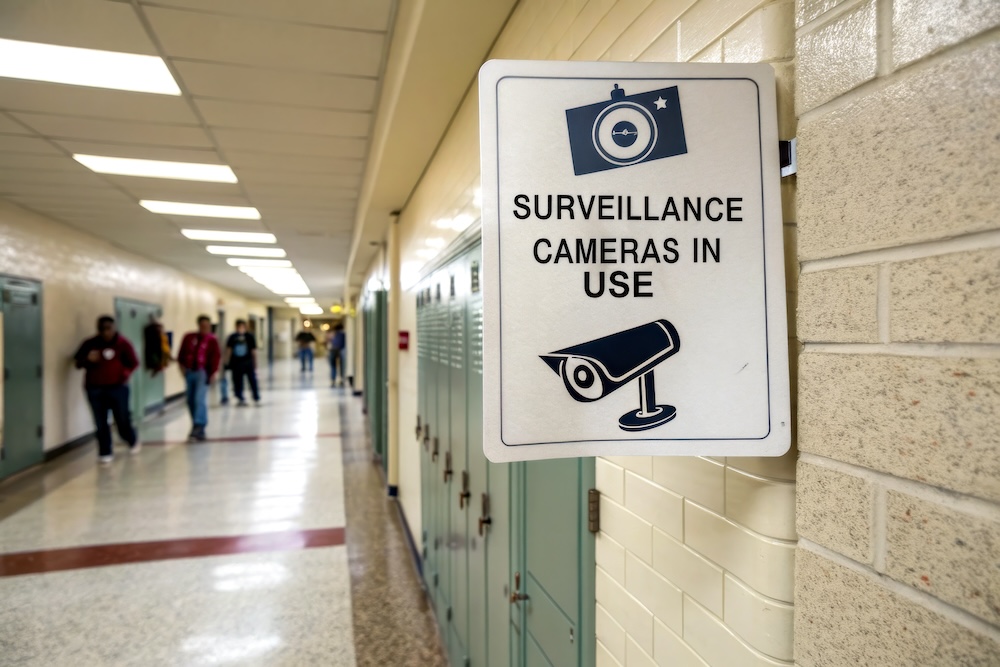
Cameras act as a deterrent, provide real-time visibility, and support incident review. They help administrators understand what happened and when, which is critical for investigations and accountability.
Best Practices for Video Deployment
- Focus on entry points, hallways, parking areas, and common spaces
- Avoid placing cameras in private areas
- Integrate video systems with access control and alerts
Privacy and Compliance
Student privacy is a top concern. Schools must follow regulations such as FERPA and establish clear policies around camera use, access, and retention. Transparency with staff, students, and parents helps maintain trust.
Emergency Communication and Alert Systems
In an emergency, communication is just as important as detection. Schools need systems that deliver clear, timely information to the right people.
Why Communication Matters
Delays or confusion can make situations worse. Clear alerts help prevent panic and confusion.
Common Emergency Communication Tools
- Mass notification systems for text, email, and voice alerts
- Classroom panic buttons or mobile alerts
- Intercom and digital signage integration
These tools should be easy to activate and supported by clear procedures, so staff know when and how to use them.
Cybersecurity and Network Protection for School Security Systems
As more security tools connect to school networks, cybersecurity becomes a critical part of physical safety.
Why Cybersecurity Cannot Be Ignored
Cameras, access control platforms, and alert systems all rely on network connectivity. If these systems are compromised or unavailable, schools lose visibility and control when they need it most.
Key Cybersecurity Considerations
- Segmenting security systems from general networks
- Limiting user access based on roles
- Keeping systems updated and monitored
Collaboration between IT teams and safety leaders ensures security tools remain reliable and protected.d
Managing School Security Systems Without Overburdening Staff
One of the biggest concerns schools face is managing security without adding complexity to already busy workloads.
Centralized Management
Modern platforms allow administrators to monitor and manage multiple systems from a single dashboard. This reduces manual tasks and improves response times.
Training and Ease of Use
Security systems should be intuitive for non-technical users. Regular training ensures staff feel confident using the tools and understand their role in maintaining safety.
The Value of the Right Partner
Working with an experienced security provider helps schools plan, deploy, and support systems over time. Ongoing assessments and updates ensure solutions remain effective as needs change.
Planning a School Security Strategy That Works Long Term
Technology alone does not create safer schools. Long-term success depends on planning and alignment.
Common Pitfalls to Avoid
- Purchasing tools without a clear strategy
- Failing to train staff adequately
- Ignoring future growth or changes
Building a Smarter Security Roadmap
- Assess current risks and gaps
- Define clear goals for safety and operations
- Prioritize phased improvements
- Review systems regularly
A thoughtful approach helps schools invest wisely and build confidence across their communities.
Learning From Real-World School Safety Strategies
School security is about creating environments where students and educators can focus on learning without constant concern. By combining access control, video surveillance, and communication tools with clear procedures, schools can build layered security strategies that support safety without sacrificing usability.
To see how these strategies come together in real-world environments, watch our prerecorded webinar:
Multi-Layered School Safety: Solving Real-World Security Challenges in K–12 Schools
Join former educator turned school security expert Haden Gragson as he walks through how schools are using technology to address today’s safety challenges.
In this session, you will learn best practices to:
- Protect students
- Reduce crime
- Manage security systems with ease
Click here to watch and learn how a layered security approach can strengthen your school’s safety strategy.
About Logista Solutions
Logista Solutions is a nationally recognized leader in a broad range of technology management solutions. As one of the largest technology support providers in the U.S., Logista provides innovative and holistic solutions to help companies take control of their IT infrastructure and achieve better business outcomes. Popular services include Managed IT as a Service, VoIP and Unified Communications, Managed Print, Cloud Services and Asset Disposition.